



Plan
YouPicked what to cook from the catalog and put it on the days.
The appCounted portions for everyone you are cooking for.
Каждому своя порция.
Half for the kid, one and a half for dad. Ingredients are recalculated exactly for your family.
Список покупок пишется сам.
From whatever you planned to cook, minus what is already at home. Nothing forgotten, nothing extra.
Запланировал. Купил. Приготовил.
A menu for any period, a shopping list and a record of what is at home in one app where everything is connected.
Free forever. 14 days of Pro as a gift.
Your kitchen's best helper.
A menu for any period, a shopping list and a record of what is at home in one app where everything is connected.
Free forever. 14 days of Pro as a gift.
Each step feeds the next: the plan knows who we are cooking for, the list knows what is at home, the shelves know what you cooked. Nothing has to be carried over by hand.
YouPicked what to cook from the catalog and put it on the days.
The appCounted portions for everyone you are cooking for.

YouOpened the list before the store.
The appIt had already built itself while you filled the calendar, minus what is at home.

YouTook a photo of the receipt.
The appRecognized the purchases and crossed them off the list.
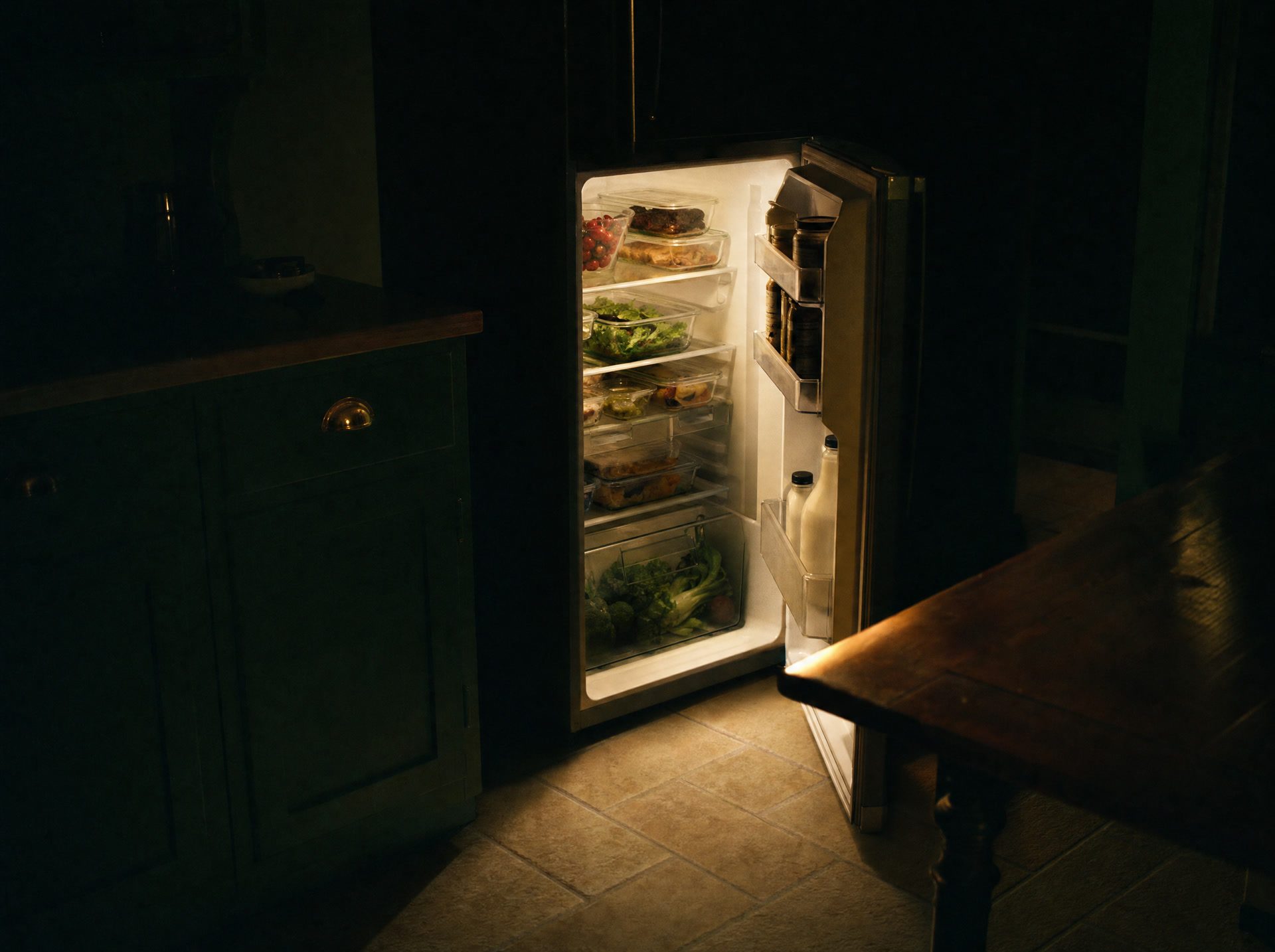

YouNothing.
The appPut the groceries on the shelves: it remembers where everything lives.


YouTapped “cooked”.
The appTook off the shelves exactly what was used. The rest stays in the kitchen for the next cooking.

Half a portion for the kid, one and a half for dad. A week of meals planned in ten minutes, the list on everyone's phone, the receipt photographed, the food on the shelves.

One plans, the other sees it. Whoever goes shopping opens the shared list. Whoever cooks taps "cooked", and the shelves update for both.

Each client gets a calendar. Build the plan, send a link, the client opens it without installing anything. Recipes with macros from the reference, a public profile for new clients.
Grandma's notebook, saved videos, a recipe from a chat with a friend: all of it can go into the app, and you cook from there. Recipes go into collections: “Breakfasts”, “From grandma's book”, “Quick dinners”. And for inspiration there are recipes from other users: liked it, put it in the plan.


Everyone at the table has a factor, from half to double: kid 0.5, mom 1.0, dad 1.2. The app recalculates every ingredient for your family. Not “chicken, 1 pc” but exactly as much as will be used. No extra purchases, no empty plates.
Move the sliders: the list recalculates.
The list builds itself from the plan in one tap and already knows what is at home. In the store you filter by section: “dairy” shows only dairy. Tick off what you bought, add your own by hand. The list is shared with the family: whoever is at the store sees what is needed.
 KitchenPlus · nowForgot something? – Looks like you forgot the milk.
One photo of the store receipt and the groceries are in your kitchen. The app recognizes every line, checks it against the list and ticks off what you bought. Items that were not on the list are recognized too: tick what goes to the kitchen and what was a one-off purchase.
Your kitchen, your rules. Learned once, remembered forever.
You are at the store and cannot remember if there are onions at home. You open the fridge and the sour cream expired a week ago. In KitchenPlus the whole kitchen is in front of you: fridge, freezer, pantry, balcony, any storage place. Every product has its date and batch, and what is about to expire is visible ahead of time.
No need to run to the fridge and try to remember. Open the kitchen in the app: every product has the date it was put in and its best-before date. What has been there longer gets eaten first. And the AI chef suggests what to cook from it right now.
After lunch the app asks whether you cooked what you planned. One “yes” and the ingredients leave the shelves in the amounts actually used, with your family’s portions in mind. What is left on the shelves is always real.
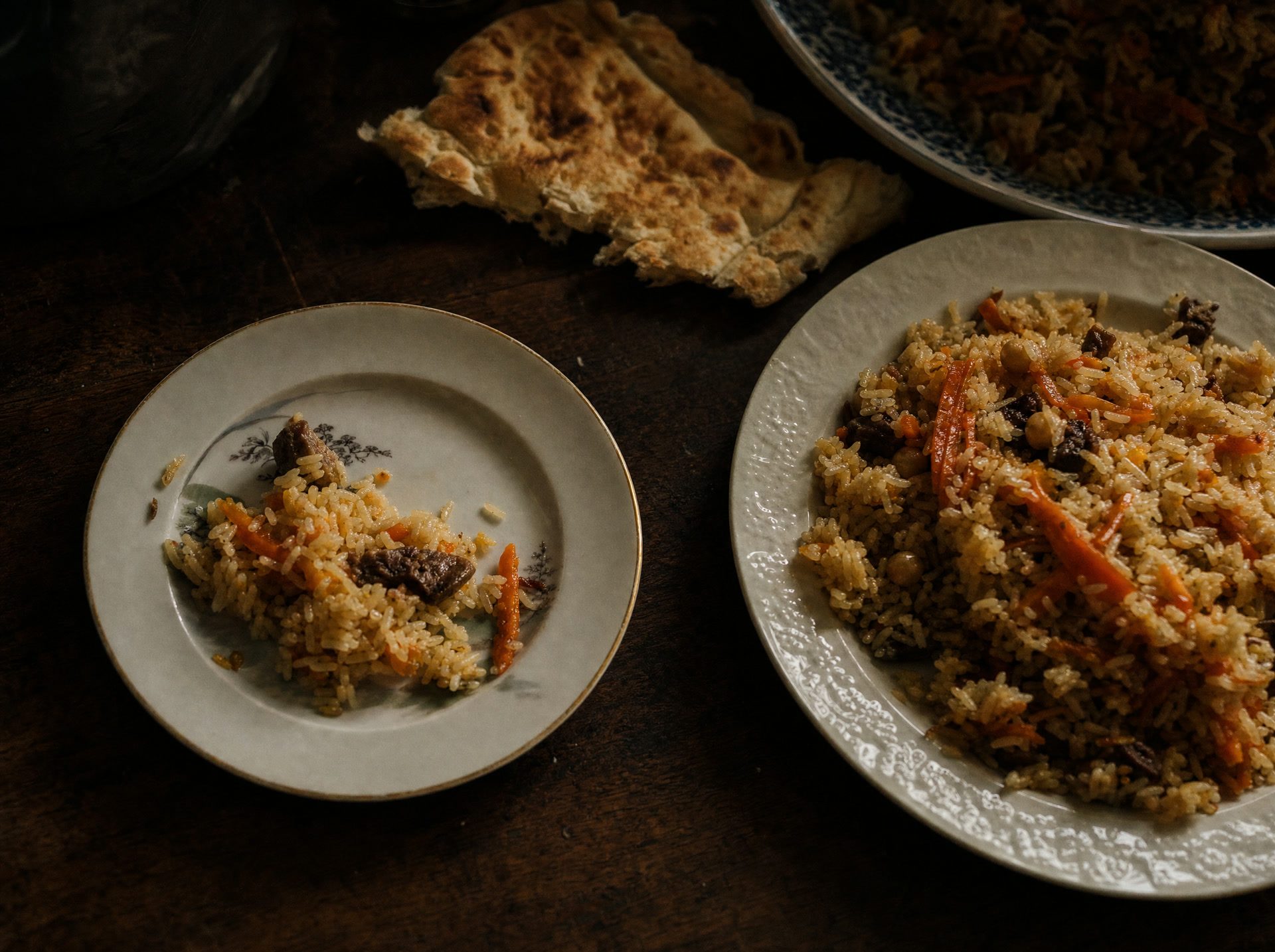
Did you cook pilaf for 4?
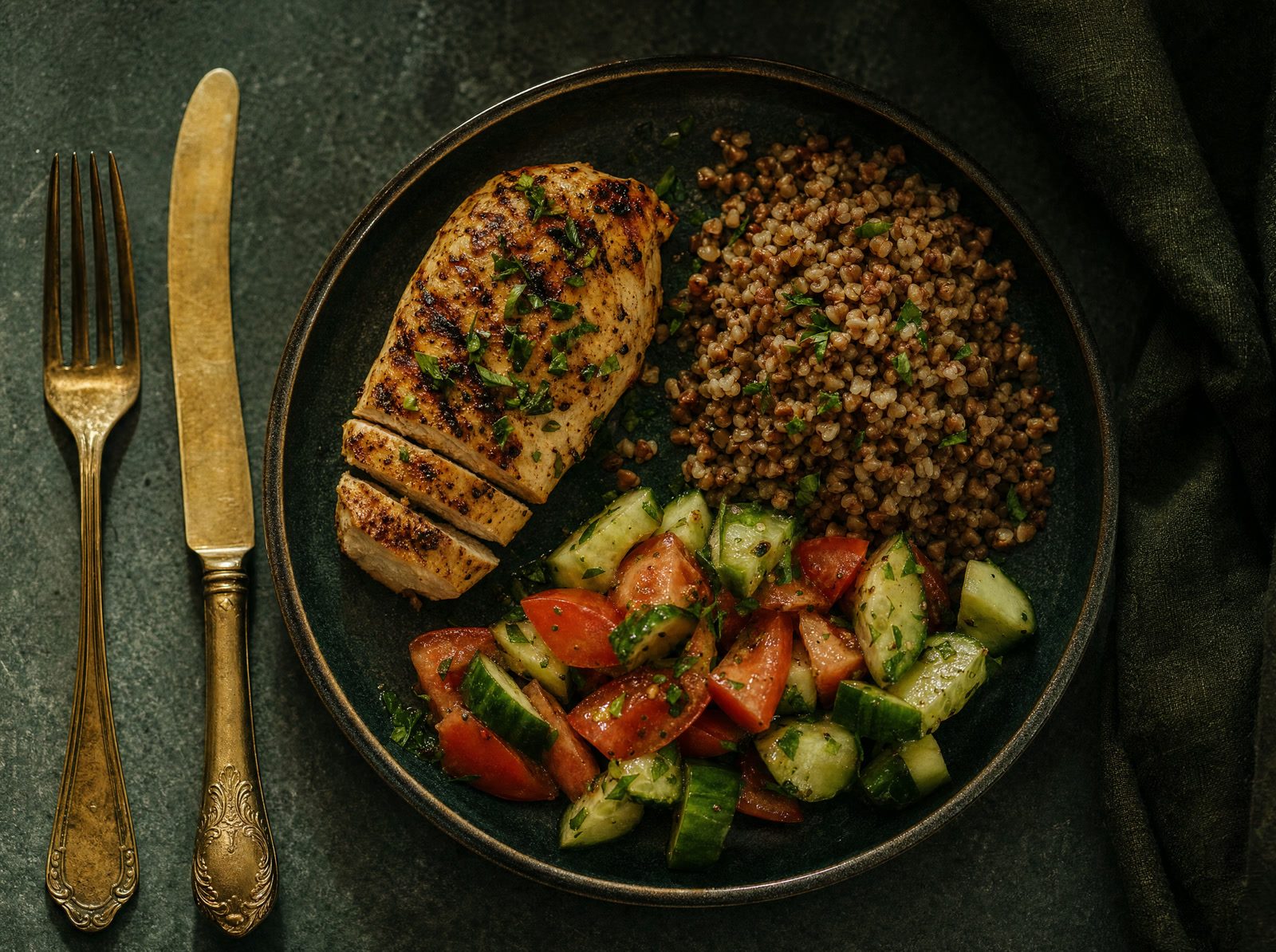

Photograph the plate, calories are counted. Your target comes from a formula using weight, height, age and goal, not “about 2000”. Food can be logged four ways: from the plan, by photo, from the catalog or by hand.

A chat that sees your shelves. “What can I cook right now?” The answer comes from what you have. “What should I eat first?” It names what is about to go bad. You can ask by voice.
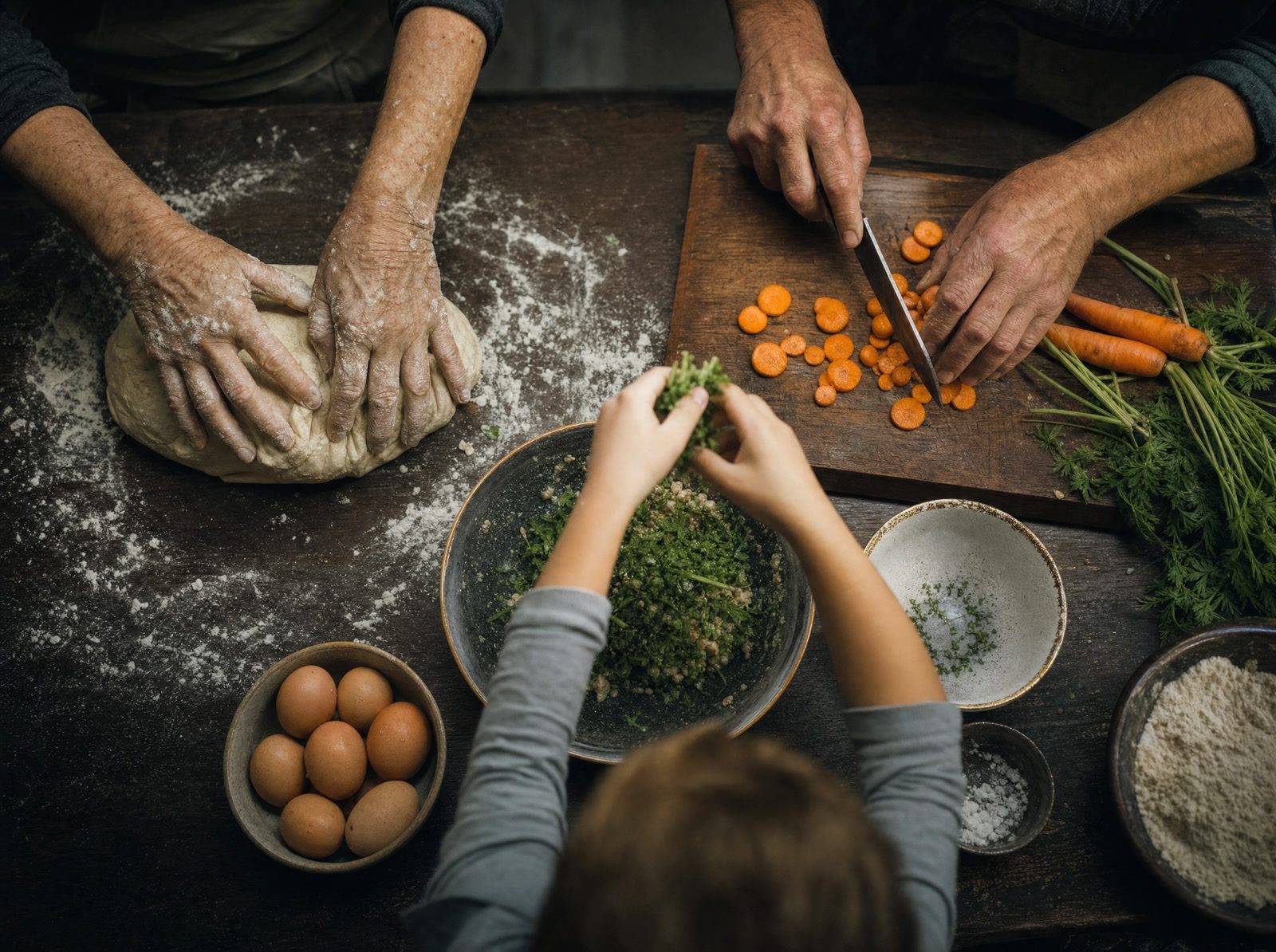

Create a group, send the code, and the calendar is shared. One plans, everyone sees it. Several groups are fine: “Home”, “Dacha”, “Parents”, each with its own people and portions.
You invite them by a link in the same messenger you already use, and they become your client. You see their progress: a food diary with photos, their weight and measurements.
You hand them a plan right in their calendar, and the shopping list for it builds itself. The tier includes 15 clients, and only you pay.
More for specialistsA meal planner, a shopping list, a pantry tracker, a calorie diary and recipes usually live in five apps that know nothing about each other. Here it is one app: the list knows about the fridge, the fridge knows about the plan, the plan knows who is at your table.

Your calorie and macro target follows the Mifflin-St Jeor formula: sex, weight, height, age, activity level and goal. Change the goal, the target is recalculated.
Breakfast, second breakfast, lunch, afternoon snack, dinner, snack, salad, drink, dessert. Turn on only the ones you need and give each its time.
Want borscht for the whole week? Open the recipe, tick the days and meals: it lands in every slot at once, and the ingredients go to the shopping list.
Free stays free forever. Paid plans come with the first 14 days free.

The basics: plan, list, shelves. Up to 5 people in a group, one sign-in.

The full app for one person. With Pro you can join a group you were invited to.
One subscription for the whole family: you open access for up to five people, and each gets everything in Pro.

For nutritionists, coaches and bloggers: client progress, meal plans and your own public page.
As much as you want. You can plan a month of menus once in 15 minutes and get a shopping list for the whole month. Or, 5 minutes before the store, jot down what you are cooking this week. The system is flexible and adapts to you.
No. You pick dishes from the catalog and put them on days, the app does the rest: the list, the portions, the shelves. The first 10 minutes are clear without instructions, after that you just cook.
It counts calories and macros of every recipe from its ingredients, picks search tags on its own, reads the receipt and puts groceries onto shelves, recognizes a dish from a photo of the plate. And in the chat it suggests what to cook from what is already in the fridge, and what to eat first before it goes bad.
The only payment is the subscription. No ads and no paid extras inside. Free stays free with no end date, and the paid plans come with a 14-day free trial.
Yes. Photo and video, ingredients from the reference list, calories and macros counted automatically, tags picked for you. Recipes go into collections, and with a public profile your followers see them.
One person creates a group and invites the others with a code. From then on the menu, the shopping list and the shelves are shared: one plans, everyone sees it. Whoever is at the store opens the list and shops, and the others see the check marks. Portions are counted for every person in the group.
Plan three days, build the list, photograph the receipt: the groceries are already in your kitchen.


